What's inside
As an Amazon Associate I earn from qualifying purchases. This post may contain affiliate links at no extra cost to you.
Working in an occupied building changes what “best tool” means. A saw that cuts quickly can still be a poor choice if its noise disrupts a clinic, its dust spreads into a tenant’s space, or its battery dies halfway through a scheduled repair. Choose a cordless platform around the work, the building’s operating hours, and the batteries you can keep charged—not around the largest tool lineup on a display wall.
Start with the work and the work window
List the jobs you expect to do over the next year: drilling anchors, fastening hardware, cutting trim, opening access panels, or making occasional repairs. Note the material, approximate fastener or hole size, and how often the task occurs. A maintenance worker installing a few door closers has different needs from a contractor drilling dozens of masonry anchors in one shift.
Then ask when and where the work will happen. A brief repair in a vacant mechanical room can tolerate more noise than repeated drilling beside occupied offices. Check building rules for quiet hours and permitted work windows; requirements vary by site. Schedule loud or dusty operations accordingly, and use barriers or extraction where appropriate. Cordless power does not make a noisy or dusty task safe to perform around people.
Choose a battery platform you can support
Compare the tools you need now with the likely additions over the next two or three years. Staying with one compatible battery family makes it easier to rotate packs between tools and avoid buying several chargers. Before buying, verify battery compatibility by voltage and platform generation: batteries from the same brand are not necessarily interchangeable across every range.
For occasional light repairs, a compact 12-volt drill and impact driver can be easier to handle overhead and may be entirely adequate. For larger holes, long screws, or frequent work, an 18- or 20-volt-class platform generally offers more capacity and a wider selection of tools. Higher voltage does not automatically mean better control or less noise. Try the grip, balance, trigger response, and clutch before committing if you can.
Compare the cost of a kit with the cost of bare tools, batteries, and chargers separately. A starter kit is often the better value when you need a drill, two batteries, and a charger. Bare tools make sense when you already own compatible packs. Avoid buying a platform for a single specialty tool unless you have priced the batteries and charger as part of the total.
Match battery capacity to the shift
Battery capacity is listed in amp-hours (Ah). A 5 Ah pack stores more energy than a 2 Ah pack at the same voltage, but it is also heavier and can make a compact tool tiring to hold. Use smaller packs for overhead fastening and quick service calls; keep larger packs for demanding cuts, long drilling sessions, or work where changing batteries would interrupt a task.
There is no reliable runtime number without knowing the material, tool, accessory, and workload. A drill boring repeated large holes can exhaust a pack much faster than one driving occasional screws. Start with two batteries for a full day of mixed work if charging access is uncertain, then track actual use. Keep a charged spare rather than assuming a partly used battery will last through a critical task.
Cold conditions can reduce battery performance, while heat and leaving packs on a hot vehicle dashboard can shorten service life. Store and charge packs according to the maker’s instructions. Do not keep using a battery that is cracked, swollen, unusually hot, or has damaged contacts.
Compare the common starting setups
| Setup | Best fit | Main trade-off |
|---|---|---|
| Compact 12-volt drill/driver kit | Light fastening, small holes, overhead repairs | Less reserve for large bits and sustained heavy work |
| 18/20-volt drill and impact-driver kit | Mixed maintenance and installation work | More weight; the impact driver can be loud and should not replace a clutch-controlled drill for delicate work |
| One larger battery for a tool | Longer heavy-duty sessions | Added weight can increase fatigue, especially overhead |
| Two moderate-capacity batteries | Work with planned battery rotation | Requires attention to charging and spare-pack availability |
Plan for noise, dust, and control
Cordless tools still produce noise, vibration, and airborne debris. An impact driver is convenient for many fasteners, but its repeated impacts can be disruptive and can damage soft materials or strip small screws. Use a drill/driver with a clutch for controlled fastening. For cutting, choose a blade suited to the material, secure the work, and use extraction or containment where the job can release dust. Do not rely on a battery vacuum to make every material safe to cut indoors.
A smaller tool is often the more practical choice in finished spaces. Compact drills and right-angle tools fit between cabinets and services, while lower weight reduces fatigue. For larger holes or prolonged cutting, stepping up to a stronger tool may shorten the work—but only if the space, dust controls, and work window allow it.
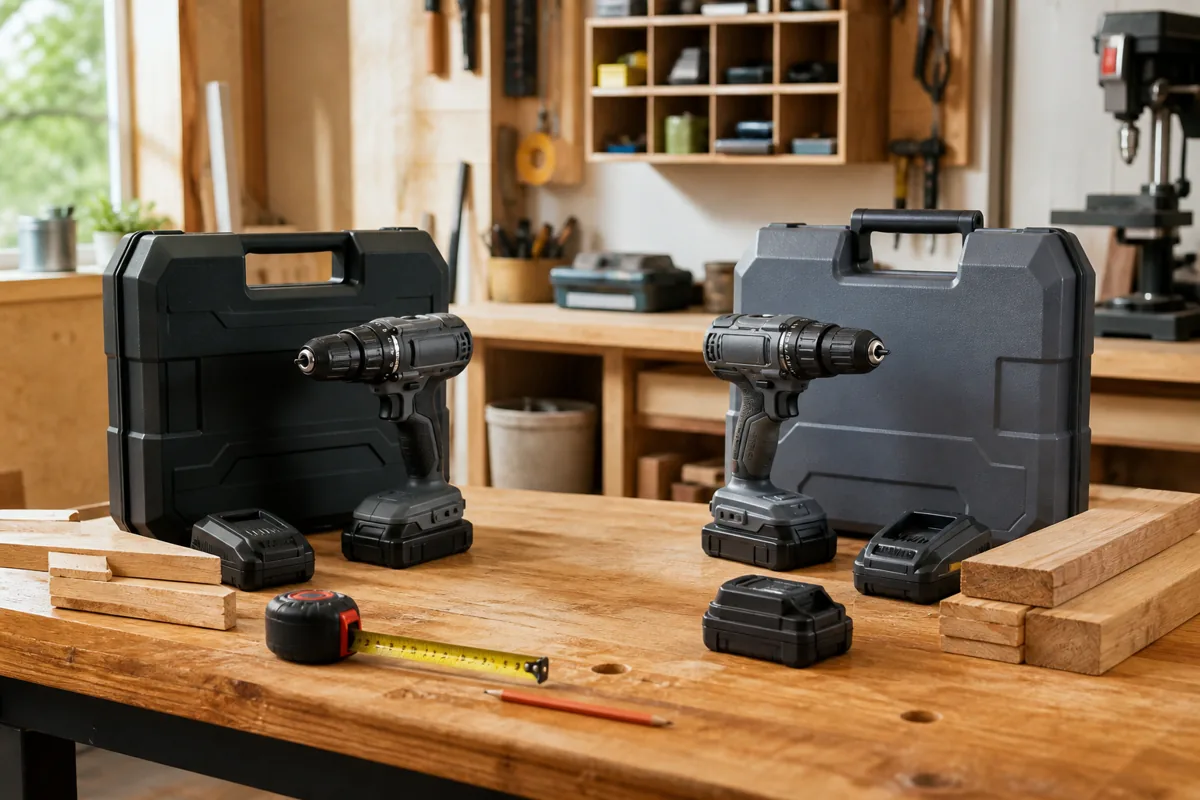
If you need to equip a maintenance kit, a compact cordless drill kit is a reasonable starting point for light repairs. For a broader range of fastening and drilling tasks, compare 18-volt drill and impact-driver combo kits, checking what batteries and charger are included.
Make charging part of the plan
Check the charger’s stated charge time for the batteries you intend to use; charging speed varies by charger and pack. A fast charger can reduce downtime, but it may be unnecessary for short jobs or a site with overnight charging. One charger shared among several workers can become a bottleneck. Label packs, assign charging responsibility, and keep chargers in a dry, ventilated area where they will not block exits or sit under dust and debris.
Do not leave charging unattended if the building’s policy prohibits it, and follow the manufacturer’s instructions for charging and storage. If the work site has limited outlets or restricted charging access, bring enough charged, compatible packs for the planned task rather than counting on a mid-shift recharge.
Check these details before buying
Confirm the kit includes the battery capacity and charger you need, not just a tool and a small demo pack. Check whether the tool has a clutch, a useful low-speed range, a belt hook, and a built-in work light if those features matter on site. Look up the platform’s warranty terms and nearby service options; a tool that is easy to replace or repair can matter more than a minor difference in advertised power.
For a mostly light-duty workload, the cheaper compact kit is fine if it can handle the materials and you can keep a spare battery charged. Spend more when repeated heavy work, reduced downtime, or access to compatible specialty tools will repay the cost. Before the first occupied-building job, test the tool and battery on representative material, confirm the noise and dust controls, and bring a backup plan for a depleted pack or failed accessory.
Related guides
- Longest Lasting Lawn Mower Battery: AGM vs Lithium vs Flooded Lifespan and Cost per Season
- Duralast Gold Lawn Mower Battery Review: U1 Fit, CCA and When to Pay for AGM
- Greenworks Pro 80V 21-Inch Mower Review: Runtime Math, Push vs Self-Propelled and Yard Fit
- Bosch High Pressure Washer Gun Replacement: Fittings, Adapters and What Fits Your Model